Device repair
Repairs for phones, tablets, laptops, and computers
We find the real fault, explain it plainly, and give you a quote before any work. Then we repair it carefully and test it before it goes back to you.
- Quote before any work
- Backups discussed first
- Tested before it goes back
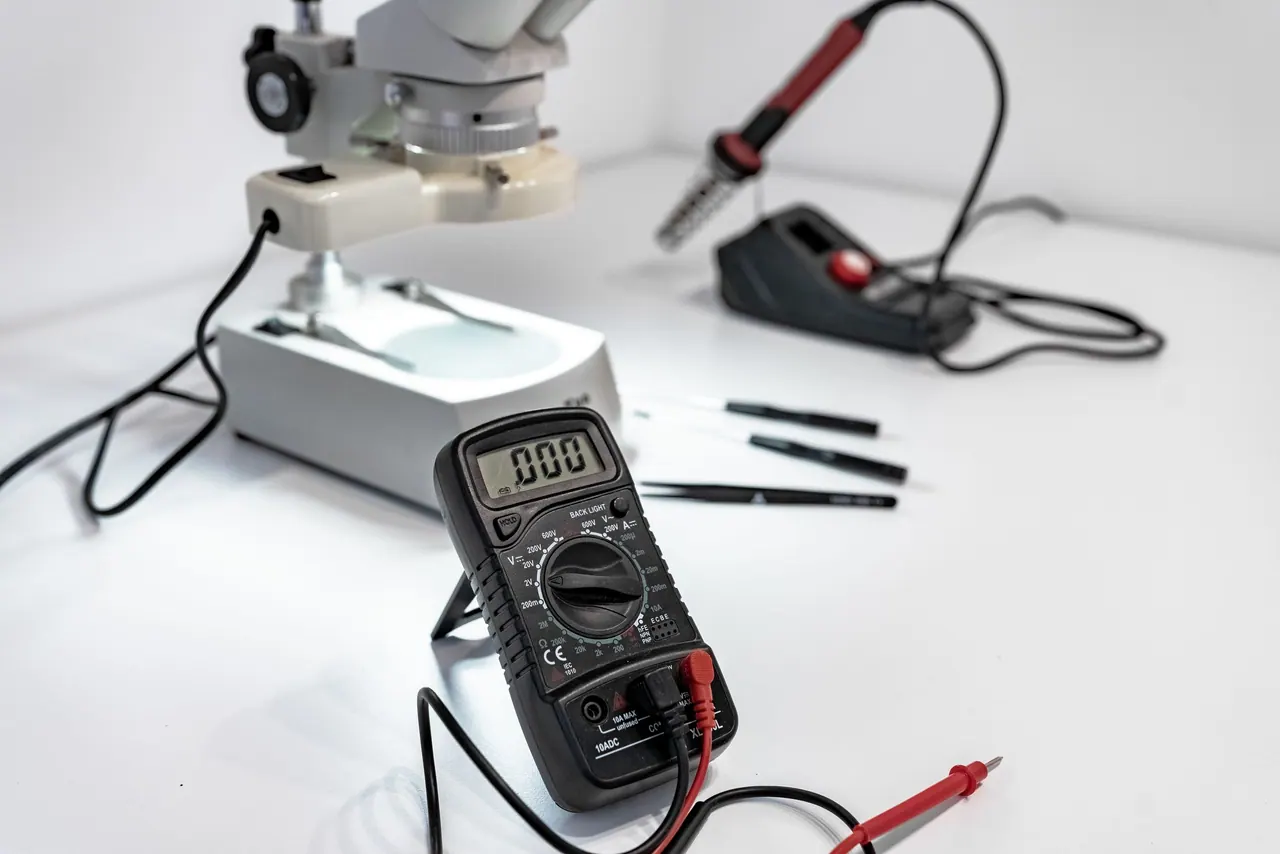
What we repair
Common repairs by device
The jobs we plan to handle at launch. Have something that is not listed? Ask anyway.
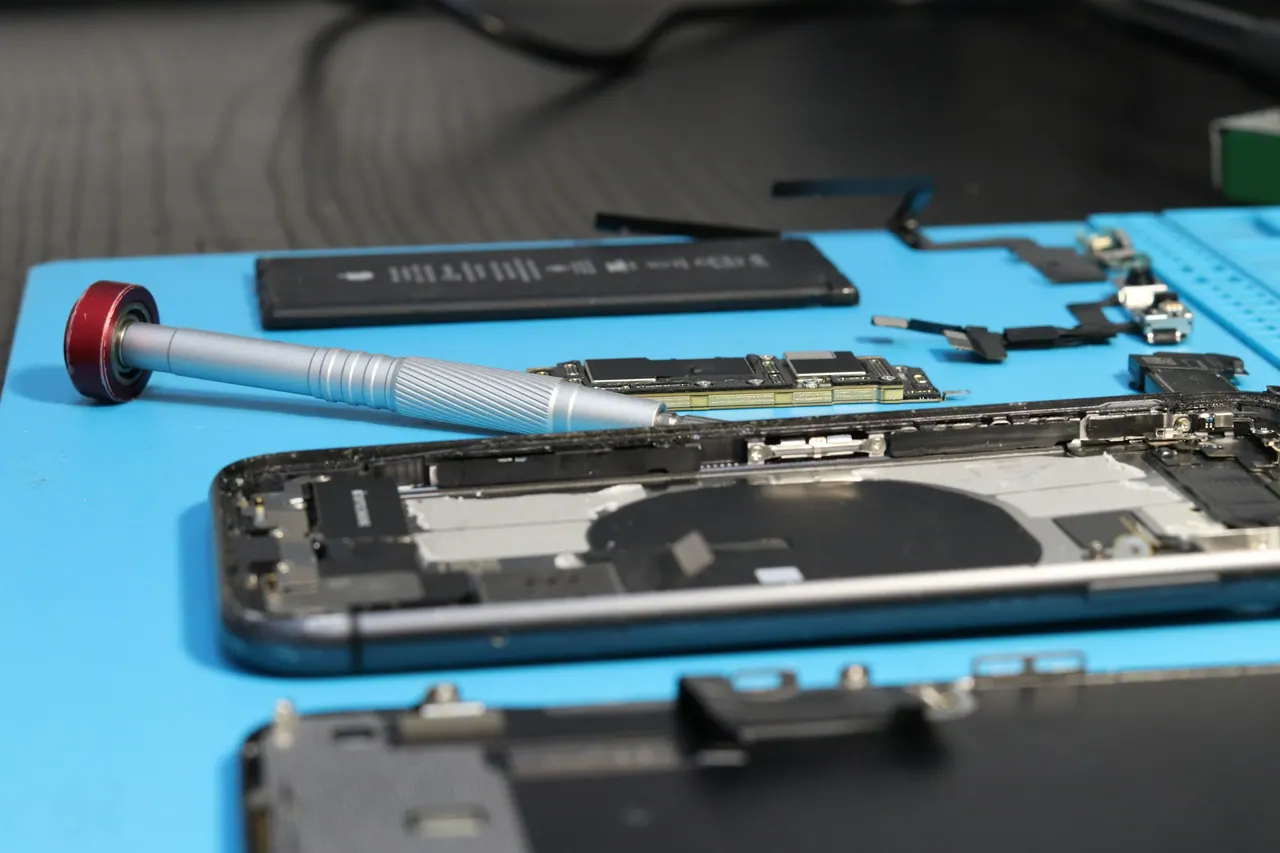
Phones
Screens, batteries, charging ports, cameras, and liquid damage.
- Screen replacementCracked, flickering, or unresponsive display
- Battery replacementDrains fast or shuts down early
- Charging portLoose, dirty, or not charging
- CamerasCracked lens, blurry, or not working
- Liquid exposureDiagnosis and cleaning after a spill
Quote after diagnosis, before any work

Tablets
Cracked glass, tired batteries, charging ports, buttons, and speakers.
- Screen replacementCracked glass or unresponsive touch
- Battery replacementShort battery life or sudden shutdowns
- Charging portLoose, dirty, or not charging
- Buttons & speakersStuck buttons, crackling or silent audio
Quote after diagnosis, before any work
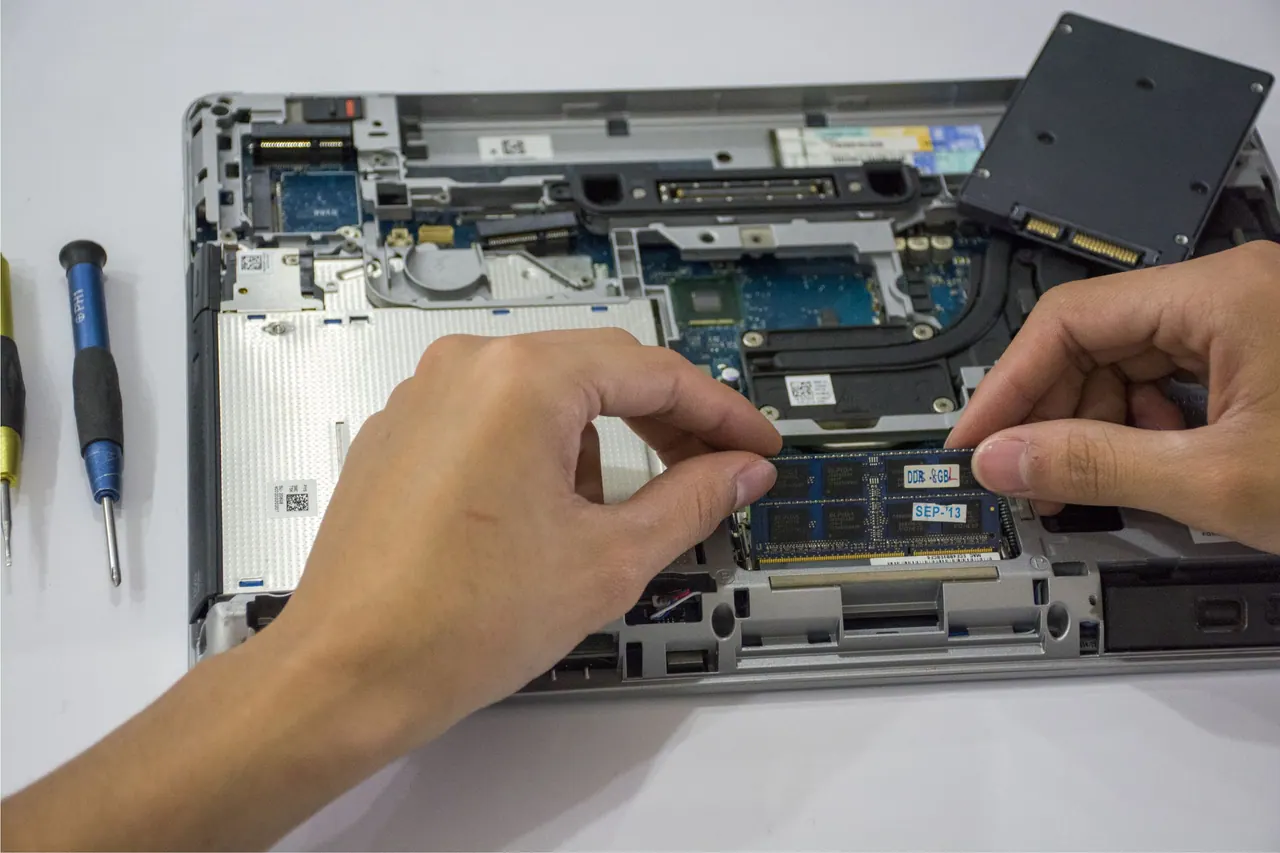
Laptops
Screens, batteries, keyboards, hinges, and storage or memory upgrades.
- Screen replacementCracked, dim, or lined display
- Battery replacementWon't hold a charge or swelling
- Keyboard & trackpadSticky, missing, or unresponsive keys
- Hinges & housingLoose or broken hinges and cracked cases
- UpgradesMore storage and memory where supported
Quote after diagnosis, before any work
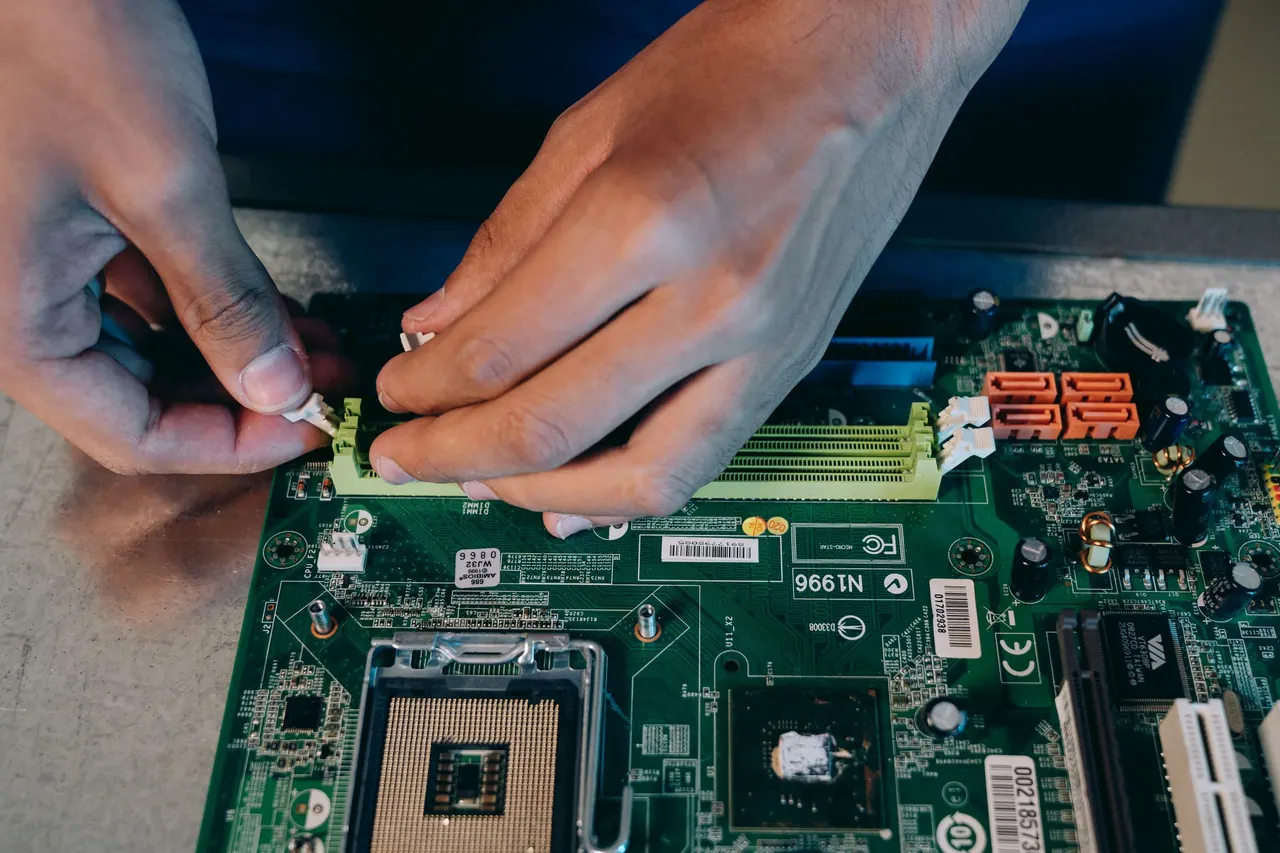
Desktops
Diagnostics, part replacements, upgrades, cleaning, and fresh installs.
- DiagnosticsWon't boot, crashes, or runs hot
- Component replacementPower supplies, drives, and more
- UpgradesStorage, memory, and graphics
- CleaningDust removal and thermal maintenance
- Fresh installA clean operating system setup
Quote after diagnosis, before any work
Not sure what's wrong?
Start with what you notice
Describe the symptom in your own words. Here is what we check first for the most common ones.
Battery drains fast or the device shuts down early
What we check: Battery health, background drain, and the charging circuit
Will not charge, or only charges at an angle
What we check: Port debris and wear, the cable and adapter, and the charging circuit
Cracked, flickering, or unresponsive screen
What we check: The display, the touch layer, and the connectors behind them
Runs hot, loud, or shuts itself off
What we check: Fans, vents, thermal paste, and power delivery
It got wet
What we check: Corrosion and board damage, with your data considered first
Slow, freezing, or crashing
What we check: Storage health, memory, and software, before any parts are swapped
How it works
Four simple steps
Step 1
Email us
Tell us the device, what is happening, and when it started.
Step 2
We diagnose
We find the actual fault, not just the symptom.
Step 3
You approve the quote
A plain explanation, your options, and a quote. Nothing is repaired until you say yes.
Step 4
Repair and test
Careful bench work, then core functions checked before it goes back to you.
Your data
Your photos and files, handled with care
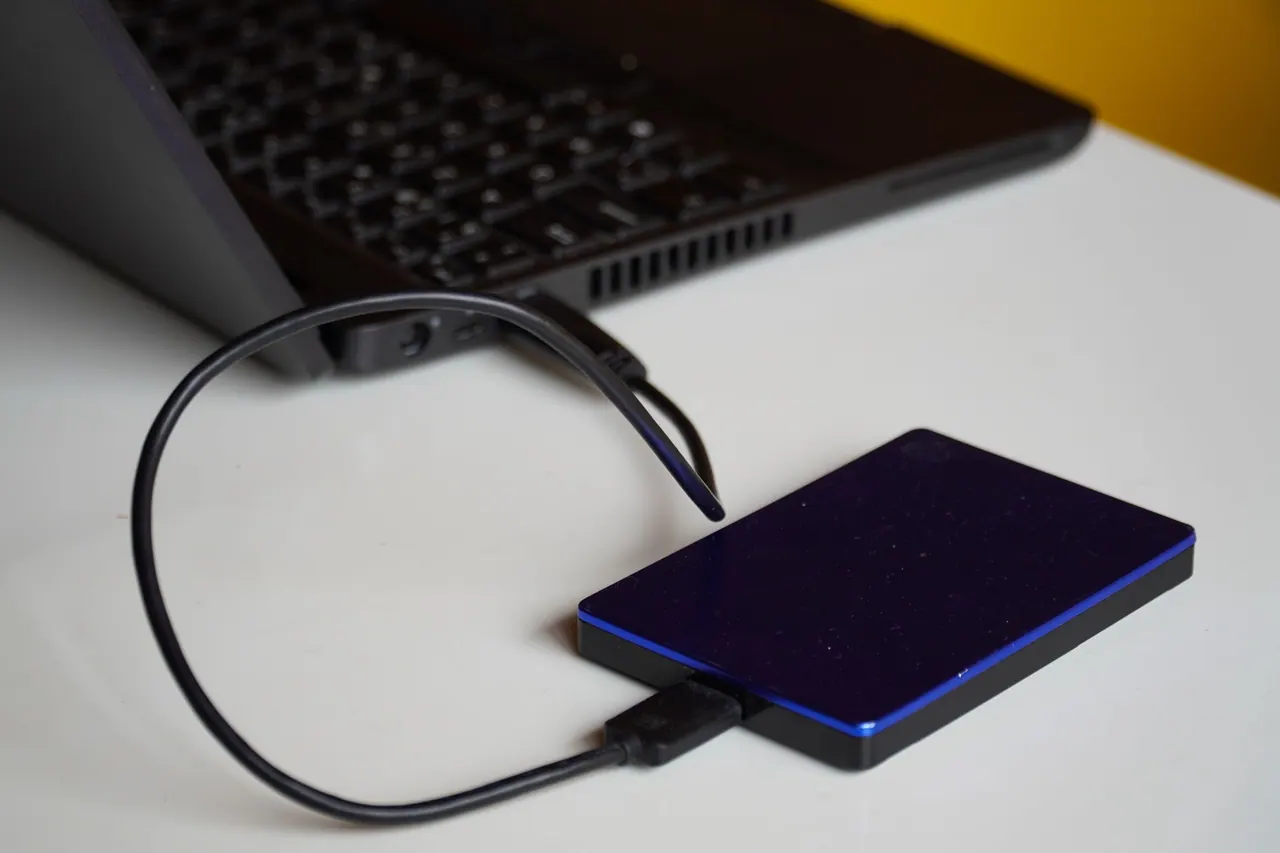
Your device is handled with respect for what is on it. Before any work starts, we talk about backups, so nothing important is lost.
- Backups discussed before any work
- Handled with respect for what is on it
- Questions about your data? Just ask
FAQ
Repair questions
Have a device that needs attention?
Tell us the device, what is happening, and when it started. We will reply with next steps.
Email only while we prepare to open in Boca Raton, FL.