Home & office IT
Tech support for homes and small offices
Practical, hands-on help with Wi-Fi, new devices, backups, printers, and security, explained without jargon. For households, home offices, and small teams around Boca Raton.
- Plain-English explanations
- A quote before any work
- Homes and small teams

Who it's for
Built for small setups
Not a big IT department. Just someone who can set things up properly and explain how they work.
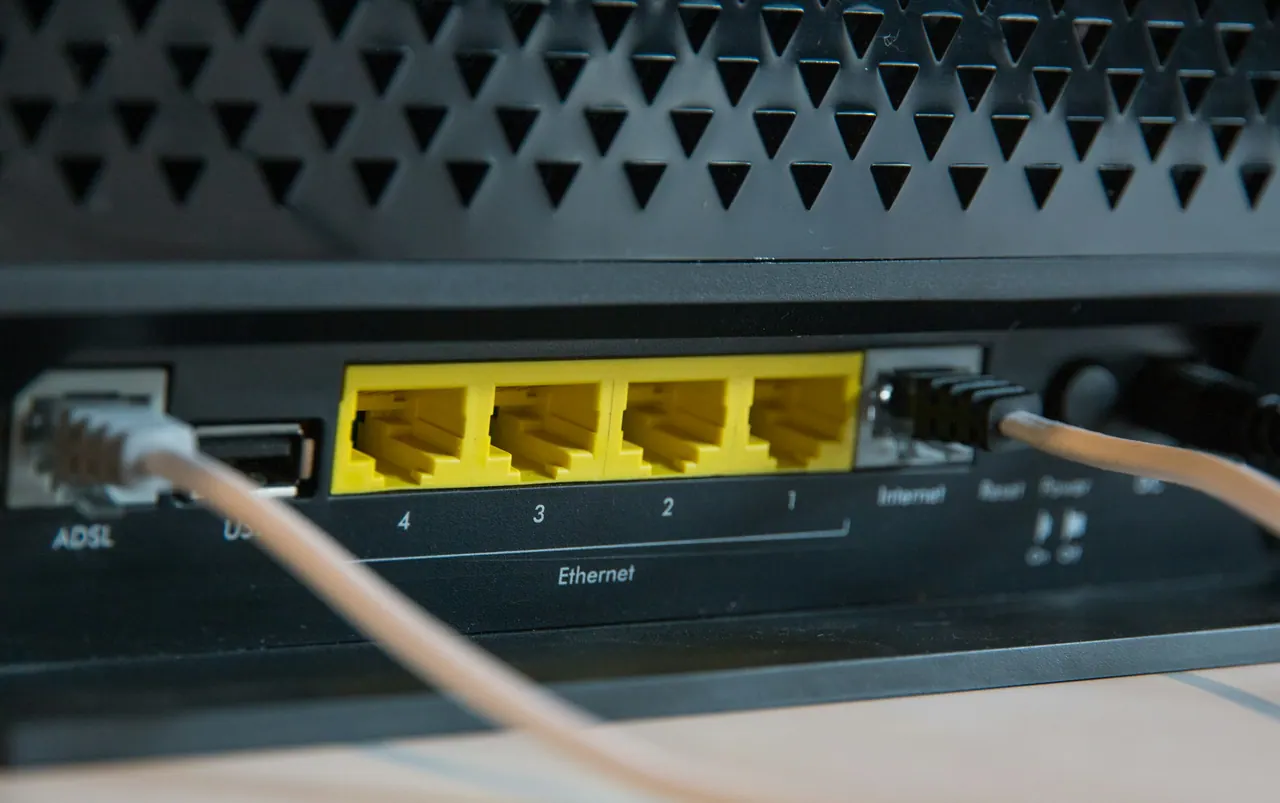
Households
Family devices, Wi-Fi coverage, printers, and the accounts everyone shares.
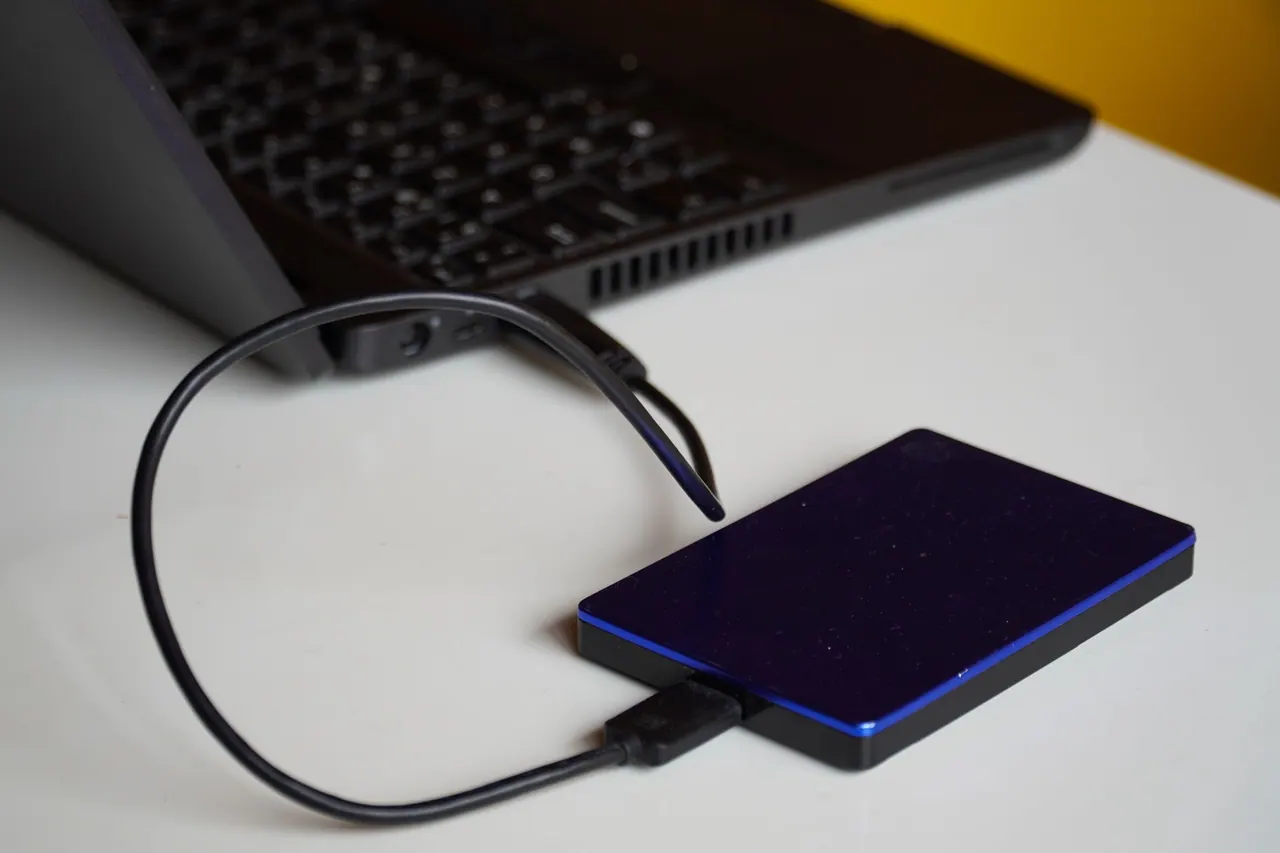
Home offices
A dependable workstation, a solid connection, and backups that run without thinking about them.

Small teams
New machines set up consistently, shared storage and printers, and basic security in place.
What's included
What support covers
Setup & migration
New phone or computer moved over properly: accounts, files, and settings.
Wi-Fi & networking
Coverage, reliability, and a home or office network you can actually manage.
Backups
Make sure the things that matter exist in more than one place.
Small-office IT
Workstations, printers, shared storage, and the accounts that tie them together.
Security basics
Updates, passwords, two-factor sign-in, and sensible defaults.
Troubleshooting
Slow, crashing, or misbehaving devices diagnosed and sorted out.
Common problems
Sound familiar?
Describe what keeps going wrong. Here is what we look at first.
Wi-Fi drops or slows down in parts of the house
What we check: Coverage, router placement, and interference
Not sure your backups are actually running
What we check: What is backed up, where it goes, and whether it restores
A new phone or computer to set up
What we check: Accounts, files, and settings, moved over properly
The printer or shared drive keeps disappearing
What we check: How each device joins and stays on the network
Unsure whether your accounts are secure
What we check: Updates, passwords, and two-factor sign-in
Something is slow, crashing, or just acting up
What we check: The device, its software, and how it connects
Pricing
What shapes your quote
Every setup is different, so we quote after we understand yours. Three things make the difference.
Your people and devices
How many people, computers, phones, and printers are involved.
What needs doing
A one-off setup, a fix for something broken, or a tidy-up of the whole system.
Where things stand today
Your current network, accounts, and backups, and what can be kept.
How it works
From first email to everything working
Step 1
Email us
Tell us about your setup and what keeps going wrong.
Step 2
We ask the right questions
A few follow-ups so we understand your devices and goals.
Step 3
You approve the plan
What we will do and a quote, before any work starts.
Step 4
We set it up
Hands-on work, explained as we go, so you know how it all fits.
FAQ
Support questions
Need a hand with your setup?
Tell us the device, what is happening, and when it started. We will reply with next steps.
Email only while we prepare to open in Boca Raton, FL.